Are you tired of playing the guessing game with your Meta ads?
You know the feeling.
You launch a campaign that you think will resonate. The creative looks sharp, the copy feels persuasive, and you’ve targeted what looks like the perfect audience.
Then… crickets. Or worse, you get clicks but no conversions, and your cost-per-acquisition starts climbing.
Now imagine this,
Before your next campaign goes live, you could see exactly which ads are succeeding for your direct competitors right now.
With clarity, not guesswork.
You’d know precisely which headlines are converting, which offers are driving sales, and which visuals are stopping the scroll for your target audience.
You’d finally know what to test next—because you’ve already seen it work in your market.
Sounds like a marketer’s dream, right?
Here’s the thing, this capability already exists, and it’s completely free.
It’s called the Meta Ads Library—and in this guide, I’ll show you exactly how to use it to stop guessing and start making data-driven decisions that actually move your metrics.
Let’s begin.
So, What Exactly IS the Meta Ads Library?
Let’s break this down without any fancy jargon.
Imagine you could walk into your biggest competitor’s marketing meeting.
You’d see the ads they’re running right now, the ones they tried and scrapped last month, and the ones they’re planning for next quarter.
You’d hear their strategy discussions, see their creative tests, and understand what they consider a “win.”
That’s essentially what the Meta Ads Library gives you—minus the awkwardness of actually being in their office.
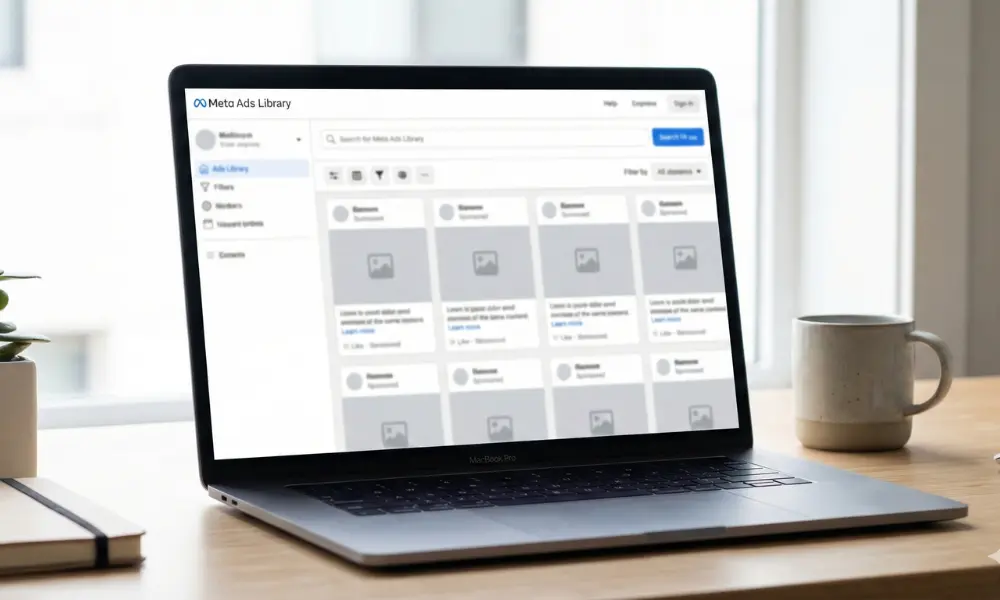
In simple terms: It’s a free, public website run by Meta (the company behind Facebook and Instagram) where they show every single ad running on their platforms.
It was created for transparency, but for savvy marketers, it’s like a live feed into your competitor’s playbook.
Think of it as a Kitchen, Not Just a Menu
Most competitors only show you their “menu”—the polished, final ads they serve to the public.
The Meta Ads Library lets you step into their kitchen. You see:
- The ingredients they’re using (what images, videos, and copy)
- How long something’s been cooking (ads running for months are likely working)
- And what dishes got sent back (the ads they tried and quickly stopped)
The Best Part?
It’s 100% Free.
Yes, the Meta Ads Library is completely free. No credit card, no subscription, no “premium access.” You don’t even need a Facebook account.
If you can visit a website, you can use it. This is what makes it such a game-changer for businesses of any size.
Now that you know what it is, you’re probably wondering: “Okay, but how do I actually use this thing?”
That’s exactly what we’re covering next.
Your First 10 Minutes in the Meta Ads Library: A Simple Guide
Alright, you know what it is.
Now, let’s get you inside and start uncovering what your competitors are up to. I promise it’s easier than you think.
Step 1: How Do I Get to the Meta Ad Library?
This is the easiest part.
Open your web browser and go to: library.facebook.com
That’s it. No login. No password. You’ll see a simple search bar—that’s your gateway to competitor intelligence. Bookmark it.
This will become your new favorite tab.
Step 2: Who Can Use This for Research? (Spoiler: You!)
Let’s be clear: Anyone can use this for competitor research.
You don’t need special software, an agency contract, or a big budget. Whether you’re researching one local rival or analyzing five global brands, the access is the same.
This levels the playing field instantly.
Step 3: Your First Competitor Search – Start Here
Instead of just browsing, go in with a goal.
Type your #1 direct competitor’s exact business name into the search bar.
Hit enter.
What you’ll see: Every ad they’re running right now across Facebook and Instagram. This is your competitor’s public-facing ad strategy.
Click on a few ads. Notice the creatives, the offers, the calls to action.
Step 4: The Two Filters That Reveal Everything
This is your first look behind their curtain. But to truly understand their strategy, you need to use the library’s two most powerful filters.
The “Active” Filter (Their Current Playbook):
This is already applied when you search. These are the ads your competitor is actively spending money on right now. Look closely:
- Format Patterns: Are they all video? Using Carousels?
- Offer Patterns: Is there a discount, bundle, or lead magnet in every ad?
- Messaging: What problem are they solving? What’s their hook?
This filter shows you what they’ve decided is working. It’s their current “A-team.”
The “Inactive” Filter (Their Hidden Experiments – The Real Goldmine):
This is where you find what they’re hiding—their failed tests.
Click “Inactive” and set the date to “Last 6 months.”
Suddenly, you’re not just seeing their winners. You’re seeing:
- Ads that ran for just 3 days before they pulled them (likely poor performers).
- Entire campaigns or offers that have disappeared.
- Different creative styles they tried and abandoned.
This filter teaches you what didn’t work for them. Sometimes, knowing what to avoid is more valuable than knowing what to copy.
You now have a snapshot of their strategy and their struggles. This is the power of the library—it turns mystery into method.
In the next section, we’ll move from simple exploration to strategic analysis. We’ll decode what these patterns actually mean and how to turn your observations into a winning strategy for your ads.
From Browsing to Strategy: Your 3-Point Analysis Framework
You’ve seen your competitor’s ads. Now, let’s turn that viewing into a strategy. Instead of getting lost in details, focus on these three strategic signals every time you open the library.
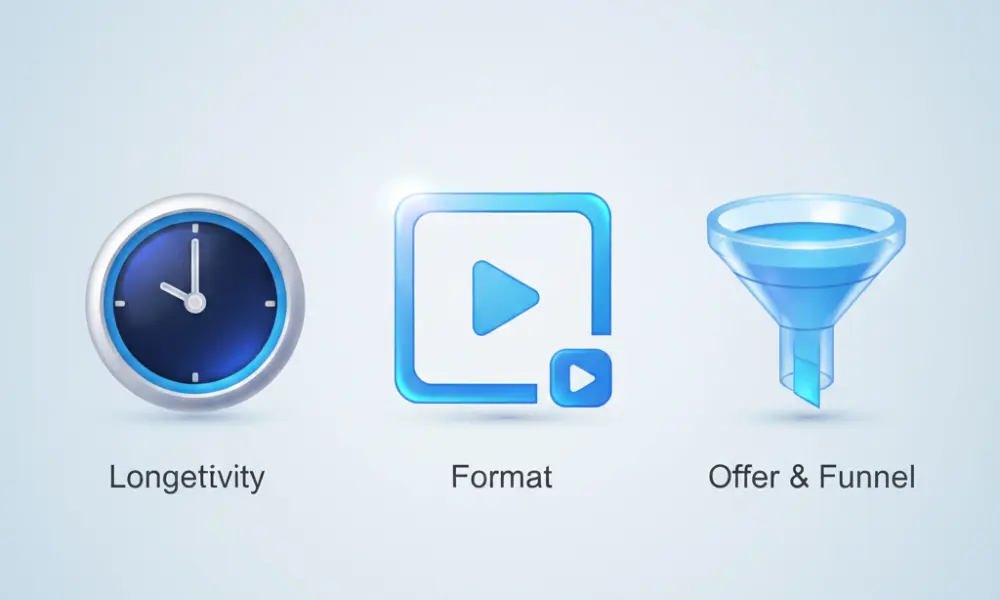
1. The Longevity Signal: Time = Truth
The simplest metric is the most powerful: how long an ad has run.
📈 60+ Days Running: This is a proven winner. It’s profitable. Your job is to figure out why—analyze their offer structure and messaging hook, not just their images.
📉 Less Than 7 Days: This was a failed test. Note the format or offer they abandoned. Learn what not to do.
Your Action: In the library, sort by “Date Started: Oldest.” The ad at the top is their champion.
2. The Format Blueprint: Follow Their Creative Bet
Look at their entire active ad set. What’s the one format they use most?
A wall of short videos? → Their audience engages with motion and sound.
Mostly image carousels? → They’re likely showcasing multiple products or features.
A mix of UGC-style and polished shots? → They’re balancing social proof with brand authority.
Your Action: Don’t fight the data. If 80% of their ads are video, that format clearly works in your niche. Let their testing guide your creative direction.
3. The Offer & Funnel Clue: Connect the Dots
Click “See ad details.” This often reveals the landing page they’re sending traffic to.
Does the ad’s promise match the page? (If it doesn’t, their conversions are probably suffering.)
Is it a limited-time offer page or an evergreen product page?
What’s the primary offer: Percentage discount? Free trial? Bundle?
Your Action: Your goal isn’t to copy their page, but to understand the journey they’re building from click to conversion. This reveals their backend strategy.
Using these three signals, you can quickly decode any competitor’s core playbook.
But before you put this into action, let’s clear up the most common questions about what the library can and can’t do.
Your Meta Ads Library Questions, Answered
By now, you’re probably eager to dive in—but you might also have a few practical questions. Let’s tackle the most common ones head-on, so you can research with clarity and confidence.
1.Is the Meta Ads Library free to use?
A: Yes, 100% free. This is the most important thing to know. There is no charge, no subscription, and no “premium” tier. You don’t even need a Facebook account. It is a public transparency tool, which means it’s openly available to everyone.
2. How do I access the Meta Ads Library?
A: It couldn’t be simpler. Just open your web browser and go to:
library.facebook.com
That’s it. No login, no special access. You’ll land directly on the search page. Bookmark it—this will become one of your most-visited tabs.
3. How much does 1000 views cost on Facebook ads?
A: This is the library’s key limitation—and also its strength. It does not show financial or performance metrics. You won’t see their budget, their cost-per-click (CPC), or their return on ad spend (ROAS).
So, for the question “How much does 1000 views cost on Facebook ads?”—you won’t find a competitor-specific answer here. However, you gain something even more valuable: strategic insight.
If an ad has been running for months, you can safely assume its cost-per-result is profitable for them. The library shows you what’s sustainable, which is a powerful clue in itself.
4. What’s considered a good cost per click (CPC) on Facebook ads?
A: Not directly. “What’s a good cost per click?” depends entirely on your profit margins, offer value, and industry. The library won’t give you benchmark numbers.
What it will give you is context. If a competitor’s ad has been active for 90+ days, its associated CPC is likely within a range that works for their business model. Use the library to identify those “evergreen” ads, and let that guide where you aim your own metrics.
5.Is it ethical to analyze competitors in the Meta Ads Library?
A: This is public market research, not corporate espionage. Meta created this tool for transparency. You’re observing publicly available information, the same way you might visit a competitor’s website or walk into their store.
The ethical line is clear: Be inspired by their strategy; never duplicate their creative assets. Analyze the patterns—the offers, formats, and messaging rhythms—and adapt those insights to fit your unique brand and audience.
6. What’s the difference between an ads library and the Meta Ads Library?
A: “An ads library” is a general term for any collection of advertisements. “The Meta Ads Library” is the specific, powerful tool provided by Meta for Facebook and Instagram ads. It’s the most comprehensive and actionable one available for social media advertisers.
From Research to Results: Your Next Step
You now have the complete guide to the Meta Ads Library. You can:
• Access it instantly at library.facebook.com
• Analyze competitors using the 3-Point Framework
• Decode strategic patterns, not just copy creatives
This transforms competitor research from guesswork into a strategic advantage. You’re equipped to make data-informed decisions, not hopeful guesses.
The final step is yours to take. This knowledge is powerful—but applying it to your unique brand and audience is where real growth happens.
Ready to build a strategy that turns these insights into measurable results?
👉 Request a Free Strategy Call
Let’s discuss your goals and build your actionable plan.